There are multiple ways. You can:
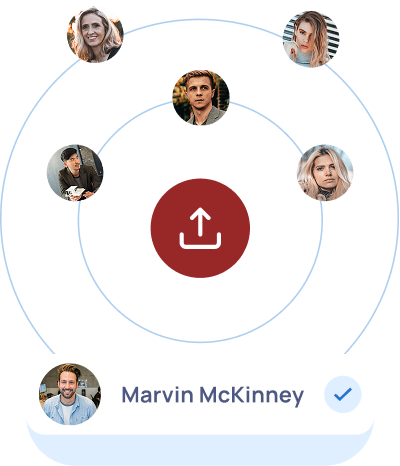
1) Upload PDF, CSV, JPEG, PNG, or ZIP files.
2) Drag and drop the above file types directly into your dashboard
3) Upload by emailing your files to a unique system-generated email address that you can find under your profile in the side navigation bar
4) Manually input them
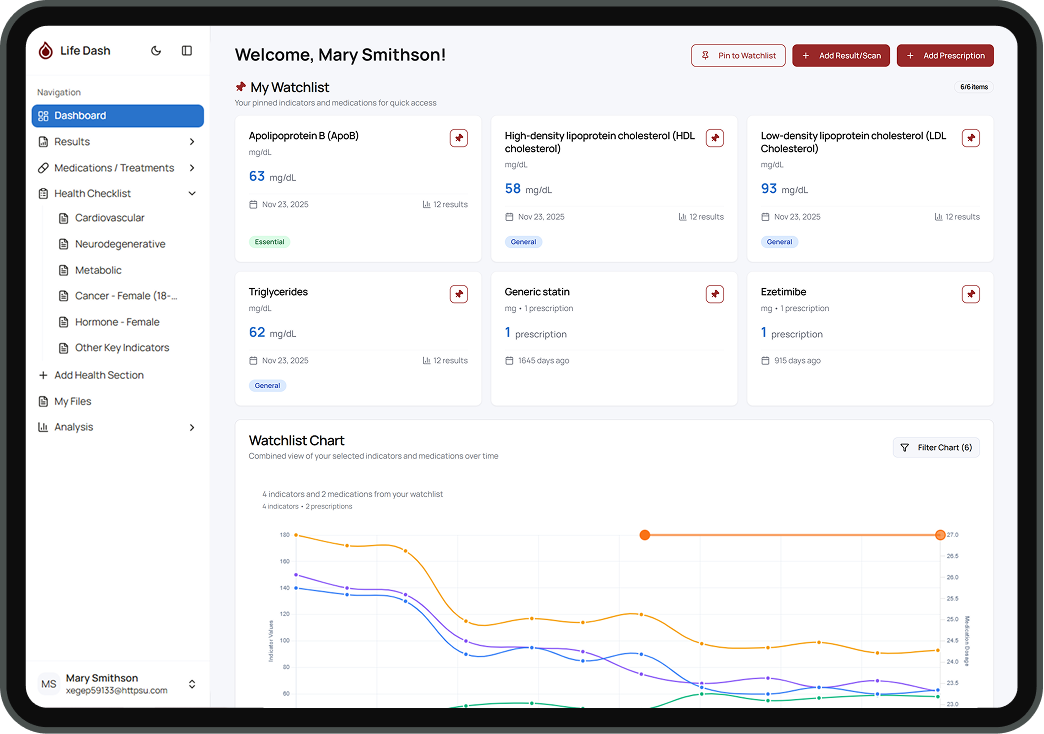
The system automatically recognizes key biomarkers and medications, and gives you the option to verify your information before adding it to your dashboard. If duplicate files are detected, the system will alert you. If it doesn’t automatically recognize the information you are adding, the system will prompt you to choose where you would like to add it.











.jpg)